
Key facts
- Manuals
- 2
- Categories
- 1
- Languages
- ZH
- Last added
- 2012-03-12
Featured 彩色液晶显示器 manuals
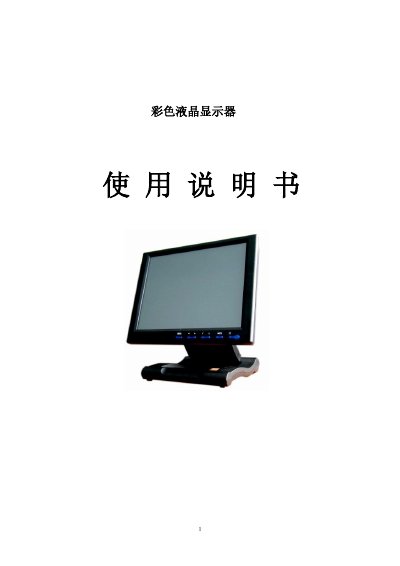
Color LCD Display User Manual
This manual introduces the color TFT LCD display, its key features, available input interfaces (VGA, AV, DVI, HDMI), and typical applications such as surveillance systems, vehicle video, PC operation, and navigation. It also provides safety and handling guidelines.
The guide details button functions, remote control usage, menu navigation, signal switching, and adjustment settings for brightness, contrast, color temperature, and other picture parameters. Technical specifications, accessories, and a troubleshooting section are included. This manual is written in Chinese.
Covers: Product Features · Key Description · Remote Control · Operation Instructions · Menu Operation · Technical Parameters
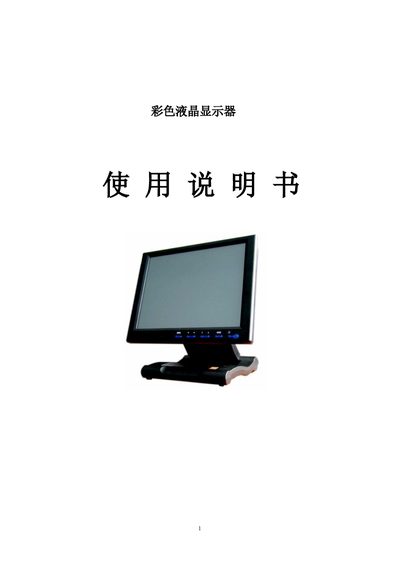
S845 Color LCD User Manual
This manual provides instructions for installing and operating the S845 color LCD monitor. It describes the available input connections such as VGA, HDMI, DVI, AV and USB, and explains how to adjust picture settings through the on‑screen display (OSD) menu.
The document also lists the monitor’s key specifications, including supported resolutions, brightness, contrast and colour temperature settings, as well as mounting options like VESA compatibility. This manual is written in Chinese.
Covers: Introduction · Input Connections · On‑Screen Display (OSD) Menu · Picture Adjustments · Mounting and VESA Compatibility · Technical Specifications
Latest 彩色液晶显示器 manuals
Color LCD Display User Manual
User Manual 15 pages · 757 KB · ZHUser manual for a color TFT LCD display with VGA, AV, DVI, HDMI inputs, covering features, operation, specs, and troubleshooting.
S845 Color LCD User Manual
User Manual 15 pages · 757 KB · ZHUser manual for the S845 color LCD monitor covering setup, OSD controls and specifications.
Which document do I need?
User Manual
Day-to-day operation, settings and troubleshooting. Start here if the product is already set up.
Questions answered in 彩色液晶显示器 manuals
Why does the screen show only black and white images?
Check that the color level, brightness, and contrast settings are properly adjusted.
What should I do if there is no picture after powering on?
Verify that the video signal cable is correctly connected and that a qualified cable is used.
How do I change the input source on the S845 monitor?
Press the MENU button, navigate to the input selection in the OSD, and choose VGA, HDMI, DVI, AV or USB as needed.
How can I adjust the brightness and contrast?
Open the OSD menu, go to the Brightness and Contrast settings, and use the arrow keys to set the desired values (default Brightness 60, Contrast 50).