
This manual details the features and usage of the Color LCD Monitor.
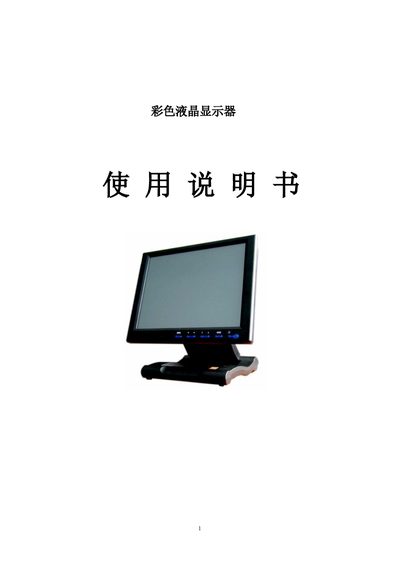
This manual provides instructions for installing and operating the S845 color LCD monitor. It describes the available input connections such as VGA, HDMI, DVI, AV and USB, and explains how to adjust picture settings through the on‑screen display (OSD) menu.
The document also lists the monitor’s key specifications, including supported resolutions, brightness, contrast and colour temperature settings, as well as mounting options like VESA compatibility. This manual is written in Chinese.
| Model | S845 |
|---|---|
| Supported Resolutions | 800x600 |
| Brightness | 60 (default) |
| Contrast | 50 (default) |
| Color Temperature | 6500 K |
Press the MENU button, navigate to the input selection in the OSD, and choose VGA, HDMI, DVI, AV or USB as needed.
Open the OSD menu, go to the Brightness and Contrast settings, and use the arrow keys to set the desired values (default Brightness 60, Contrast 50).
The monitor defaults to a colour temperature of 6500 K.