
HP Scanjet 8290 25ppm double-sided document scanner with enhanced document management capabilities. It has built-in scanning, image, copy, email sending, text editing and other functions, supports TWAIN and ISIS drivers, and can be connected to PC and Mac
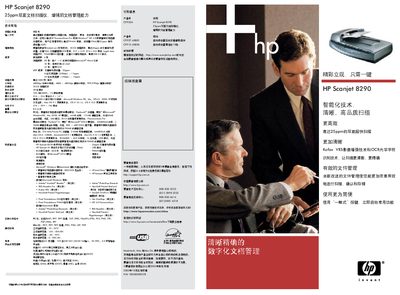
The HP Scanjet 8290 is a flatbed scanner with a 25 ppm duplex automatic document feeder, 4800 dpi optical resolution, and 48‑bit true color output. It supports a wide range of document sizes, including 8.5" × 14" legal‑size, and includes built‑in software for OCR, email, and image editing.
The scanner connects via USB 2.0 or SCSI and works with Windows (98, Me, NT 4.0, 2000, XP) and Mac OS (9.1, OS X 10.1.5 and later). The manual covers technical specifications, operating environment, quick‑start functions, 3CCD scanning technology, and how to scan film and slides using the built‑in transparency adapter. This manual is written in Chinese.
| Scan speed (duplex) | 25 ppm |
|---|
The scanner can scan up to 25 pages per minute in duplex mode.