
Partner® ECS430T is a high-performance comprehensive educational tool with features such as English-Chinese, English-Spanish, Spanish-Chinese bidirectional dictionaries, electronic English grammar book, common idioms, irregular verbs, English conversation manual, etc.
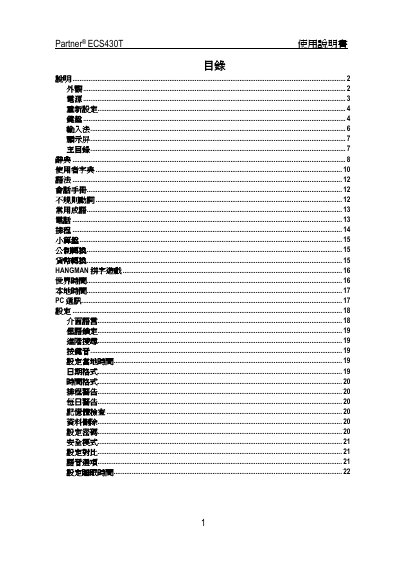
This manual explains how to operate the Partner ECS430T electronic dictionary and organizer, covering power sources, input methods, and system functions. It includes step‑by‑step guidance for first‑time startup, battery changes, and language selection.
Additional sections describe password protection, auto‑power‑off settings, and the available input methods such as Cangjie, Simplified, Pinyin, Cantonese, and handwriting. The document also lists the device’s technical specifications. This manual is written in Chinese.
| Display resolution | 160 × 64 pixels |
|---|
Remove the used AA batteries, insert new ones with the correct polarity, and wait about two minutes before using the device again.
Press the ALT key together with the corresponding key to select the desired language mode (ENG, SPA, or CHI), which is shown at the top‑right of the screen.