
Key facts
- Manuals
- 1
- Languages
- ZH
- Last added
- 2012-03-12
Featured Partner manuals
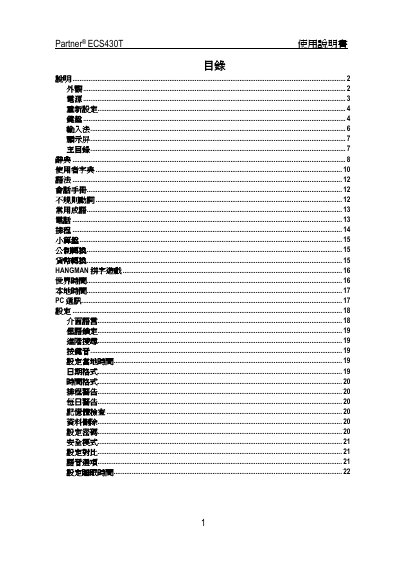
Partner ECS430T User Manual
This manual explains how to operate the Partner ECS430T electronic dictionary and organizer, covering power sources, input methods, and system functions. It includes step‑by‑step guidance for first‑time startup, battery changes, and language selection.
Additional sections describe password protection, auto‑power‑off settings, and the available input methods such as Cangjie, Simplified, Pinyin, Cantonese, and handwriting. The document also lists the device’s technical specifications. This manual is written in Chinese.
Covers: Getting Started · Battery Replacement · Power Supply · Language Input Modes · Password Settings · Auto Power‑Off
Latest Partner manuals
Partner ECS430T User Manual
User Manual 22 pages · 370 KB · ZHThe Partner ECS430T user manual provides instructions for battery replacement, language input, password setup, and power‑saving features.
Which document do I need?
User Manual
Day-to-day operation, settings and troubleshooting. Start here if the product is already set up.
Questions answered in Partner manuals
How do I replace the batteries?
Remove the used AA batteries, insert new ones with the correct polarity, and wait about two minutes before using the device again.
How can I change the language input mode?
Press the ALT key together with the corresponding key to select the desired language mode (ENG, SPA, or CHI), which is shown at the top‑right of the screen.