
This manual introduces the features of the Philips MCD299 DVD Micro Theatre and provides detailed instructions on how to install, connect, operate and use the product.
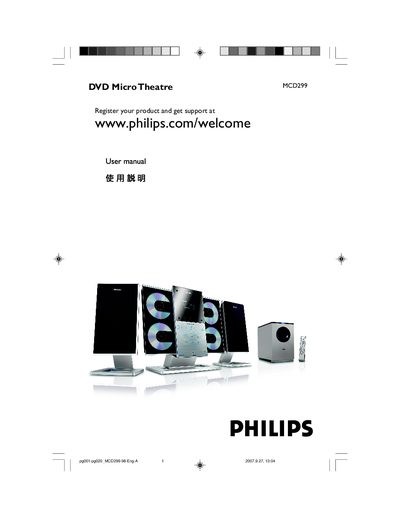
This manual covers everything needed to install and use the Philips MCD299 DVD Micro Theatre, a 2.1‑channel home‑theater system. It includes safety guidelines, wiring diagrams, remote‑control functions, and detailed explanations of supported disc formats and video settings.
The document also contains a step‑by‑step installation guide, wall‑mount instructions, and a full technical specifications table, plus a troubleshooting section to help resolve common playback or connectivity issues.
| Amplifier output power | 140 W RMS |
|---|---|
| Signal‑to‑noise ratio | ≥ 60 dB(A) |
| Frequency response | 150–20 000 Hz, ±3 dB |
| Speaker impedance | 6 Ω |
| Headphone impedance | 32 Ω – 1000 Ω |
| Laser type (DVD player) | Semiconductor |
Connect the right‑hand speaker to the “R” terminal and the left‑hand speaker to the “L” terminal, then use the supplied 15‑pin D‑Sub cable to link the sub‑woofer terminals.
The voltage selector on the bottom of the unit is preset to 220‑240 V; change it to 110‑127 V before powering on if your local supply is 110 V.
It can play DVD, VCD, SVCD, DVD+RW, CD, CD‑R image files (JPEG), MP3, WMA, and supported MP3‑CD formats.
Yes, wall‑mounting is allowed but must be performed by a qualified installer using the supplied wall‑mount kit and following the detailed instructions.