
This manual provides operating instructions for the FWD132 DVD Mini-HiFi System.
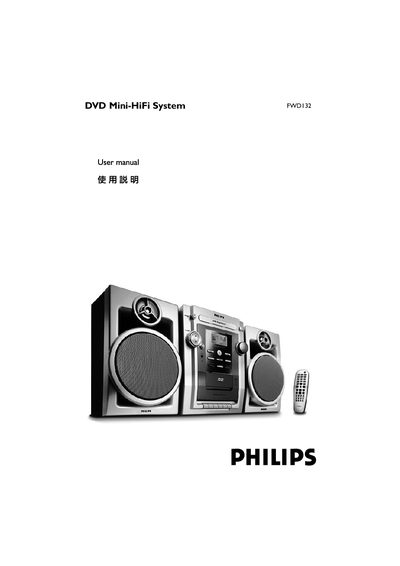
This manual provides step‑by‑step instructions for installing and using the Philips FWD132DVD Mini‑HiFi system, including speaker, TV and power connections, remote‑control functions, and parental‑control settings. It also contains safety guidelines, maintenance tips, and a glossary of terms.
The document includes a troubleshooting section with common fault symptoms and solutions, as well as technical specifications such as supported disc formats, region codes, audio sampling rates and maximum media limits. This manual is written in Chinese.
| Region code support | ALL (全區碼) or Region 3 |
|---|---|
| Supported audio sampling frequencies | 32 kHz, 44.1 kHz, 48 kHz |
| Supported MP3 bit rate | 32‑256 kbps (average 128 kbps) |
| Maximum number of titles | 300 |
| Maximum number of chapters (menu layers) | 8 |
| Maximum number of MP3 songs | 650 |
The system can play discs marked ALL (full‑region) or Region 3 only.
Insert the speaker wires into the SPEAKERS (FRONT) jacks, connecting the right speaker to the “R” terminal and the left speaker to the “L” terminal, matching the colored (+) and black (–) leads.
Check that the AC power cord is properly connected, ensure the disc is inserted correctly, and wait for any condensation on the laser lens to evaporate before retrying.