
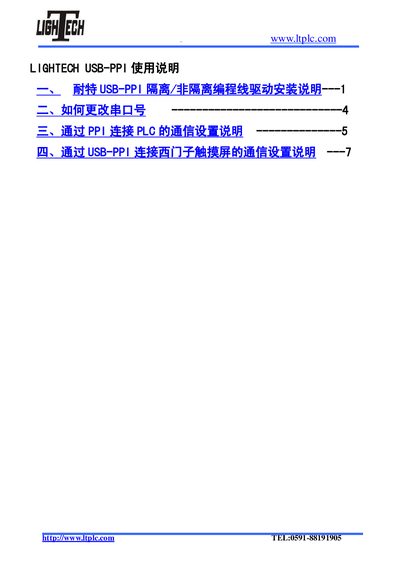
This document provides instructions for using the LIGHTECH USB-PPI programming cable, including driver installation, changing the COM port number, and communication settings for connecting to PLC and Siemens touch screens.
The LIGHTECH USB‑PPI is a programming cable (isolated or non‑isolated) used to connect a PC to Siemens PLCs and touch panels via the PPI protocol. It requires a driver installation on Windows computers before it can create a virtual COM port.
The document covers driver installation steps, how to change the assigned COM port, communication settings for PLCs, and detailed configuration for downloading programs to Siemens SMART touch screens, including recommended baud rates and troubleshooting tips. This manual is written in Chinese.
| Supported Operating Systems | Windows 2000, Windows XP (not Windows 7) |
|---|---|
| Maximum Baud Rate | 115200 (fallback to 57600 if needed) |
Reduce the baud rate to 57600 and retry the transfer; the lower speed improves reliability over the USB‑PPI cable.
The current driver does not support Windows 7; a new driver will be released on the website when available.