
This manual introduces how to configure SIEMENS S7-200/S7-300 PLC 187.5K communication function on EB8000 series HMI.
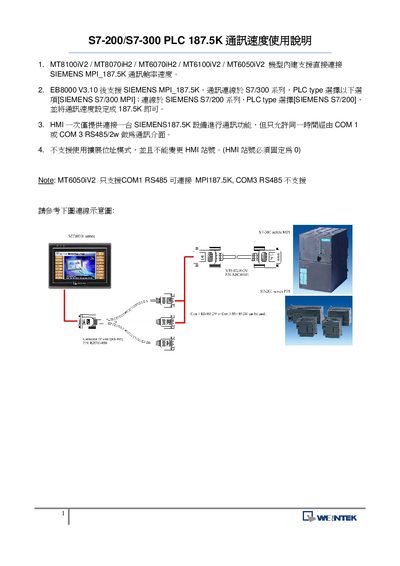
The document provides instructions for configuring the MPI 187.5 kbit/s communication speed on Siemens S7‑200 and S7‑300 PLC series. It lists compatible modules such as MT8100iV2, MT8070iH2, MT6070iH2, MT6100iV2 and MT6050iV2, and shows the required settings in the PLC software.
Only one HMI can be connected to a Siemens 187.5 kbit/s device at a time, and communication is limited to either COM1 or COM3 using RS‑485 (2‑wire). The MT6050iV2 module supports only COM1 RS‑485, while other modules allow both COM1 and COM3. Pin‑out details for the RS‑485 connector are also provided. This manual is written in Japanese.
| MPI communication speed | 187.5 kbit/s |
|---|---|
| COM1 RS‑485 support | 2‑wire |
| COM3 RS‑485 support | 2‑wire |
| MT6050iV2 COM port limitation | COM1 only |
Both COM1 and COM3 can be used with an RS‑485 (2‑wire) connection.
No, the MT6050iV2 module only supports COM1 RS‑485 for this speed.
Only one HMI may be connected at a time; simultaneous connections are not supported.