
The Ruckus wireless ZoneFlex 7942 is the first centralized managed multimedia wireless AP that supports Mesh. It has breakthrough user performance and density, providing high transmission rates and unparalleled physical efficiency. It can be used with the Ruckus ZoneDirector wireless area network central controller for plug-and-play, low-cost deployment. It is ideal for hotels, schools, medium-sized enterprises, and hotspot operators. It supports 802.11n technology and intelligent antenna technology, which can adapt to environmental changes, expand coverage, and provide multimedia support. No RF expertise is required, and the deployment cost is low and simplified. It is optimized for wireless voice and video services and supports real-time IP video applications. It offers commercial hotspot services, providing new revenue opportunities. It has superior performance and cost-effectiveness.
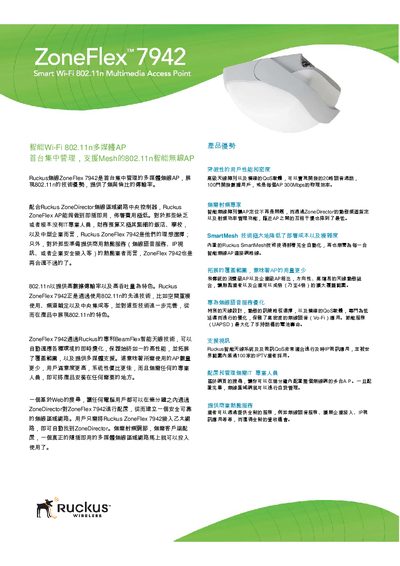
The ZoneFlex 7942 is a centrally managed, 802.11n multimedia Wi‑Fi access point featuring Ruckus BeamFlex smart antenna technology. It automatically adapts to RF conditions, reduces interference, and supports high‑density voice, video, and data applications for hotels, schools, enterprises, and hotspot operators.
Deployment is plug‑and‑play: connect the AP to any Ethernet network, it discovers the Ruckus ZoneDirector, and a web‑based wizard completes configuration. Features include SmartMesh self‑organizing mesh, dynamic PSK authentication, up to eight SSIDs, and integration with existing security systems such as RADIUS and Active Directory. This manual is written in Chinese.
| Maximum data rate | 300 Mbps |
|---|---|
| Number of SSIDs | 8 |
| Antenna gain | up to 9 dBi |
| Dimensions (L×W×H) | 19.43 cm × 14.43 cm × 10.16 cm |
| Weight | 680 g |
| Ethernet ports | 2 × 10/100/1000 Mbps |
| Supported Wi‑Fi standards | 802.11b/g/n |
| Maximum concurrent voice calls | 20 |
| Maximum concurrent data users | 100 |
Connect the AP to an Ethernet network; it automatically discovers the ZoneDirector and a web‑based wizard guides you through configuration.
The AP can be configured with up to eight separate SSIDs, each with its own broadcast, QoS, and security settings.