
Key facts
- Manuals
- 2
- Languages
- ZH
- Last added
- 2012-02-21
Featured ZoneFlex manuals
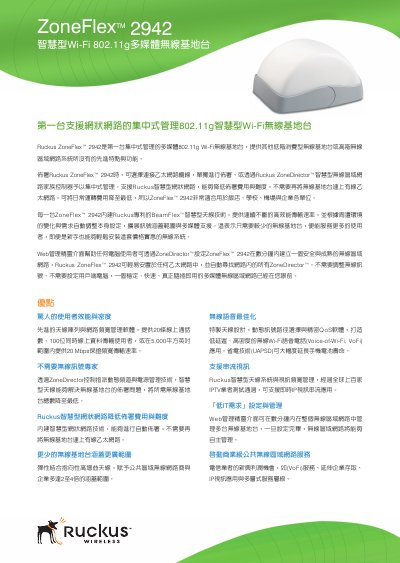
Ruckus ZoneFlex 2942 Wireless Base Station Manual
This manual describes the Ruckus ZoneFlex 2942, the first centrally‑managed 802.11g multimedia Wi‑Fi base station. It explains how to deploy the unit via Ethernet or through a ZoneDirector controller, and highlights features such as BeamFlex smart antenna technology, mesh networking, and Vo‑Wi‑Fi support.
The document includes a detailed specifications table covering power requirements, dimensions, antenna options, Ethernet ports, PoE support, and performance limits, as well as instructions for web‑based configuration, CLI, SNMP, and firmware updates. This manual is written in Chinese.
Covers: Advantages · Specifications · Physical Appearance · Power · Dimensions · Antenna
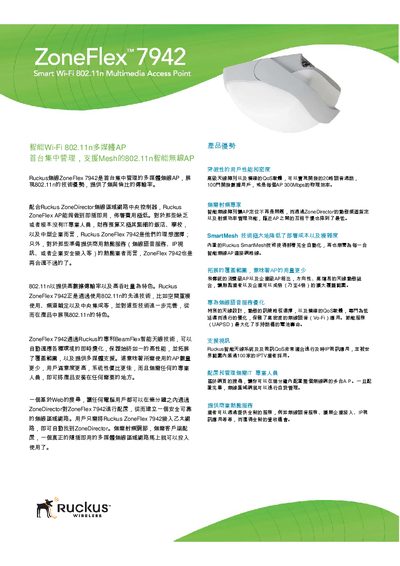
Ruckus ZoneFlex 7942 Wi‑Fi 802.11n Multimedia AP User Manual
The ZoneFlex 7942 is a centrally managed, 802.11n multimedia Wi‑Fi access point featuring Ruckus BeamFlex smart antenna technology. It automatically adapts to RF conditions, reduces interference, and supports high‑density voice, video, and data applications for hotels, schools, enterprises, and hotspot operators.
Deployment is plug‑and‑play: connect the AP to any Ethernet network, it discovers the Ruckus ZoneDirector, and a web‑based wizard completes configuration. Features include SmartMesh self‑organizing mesh, dynamic PSK authentication, up to eight SSIDs, and integration with existing security systems such as RADIUS and Active Directory. This manual is written in Chinese.
Covers: Product Overview · Key Features · Installation and Configuration · SmartMesh Technology · Security and Authentication · Technical Specifications
Latest ZoneFlex manuals
Ruckus ZoneFlex 2942 Wireless Base Station Manual
User Manual 2 pages · 438 KB · ZHThe Ruckus ZoneFlex 2942 Wireless Base Station manual provides setup, management, and specifications for the 802.11g multimedia Wi‑Fi device.
Ruckus ZoneFlex 7942 Wi‑Fi 802.11n Multimedia AP User Manual
User Manual 4 pages · 515 KB · ZHThe Ruckus ZoneFlex 7942 manual provides setup, configuration, and specifications for the 802.11n multimedia wireless access point.
Which document do I need?
User Manual
Day-to-day operation, settings and troubleshooting. Start here if the product is already set up.
Questions answered in ZoneFlex manuals
How many ZoneFlex 2942 base stations can be deployed at the same time?
Up to 100 base stations can be deployed simultaneously.
What power input voltage does the ZoneFlex 2942 accept?
It accepts an input voltage range of 110‑240 V AC.
How do I initially configure a ZoneFlex 7942 AP?
Connect the AP to an Ethernet network; it automatically discovers the ZoneDirector and a web‑based wizard guides you through configuration.
From: Ruckus ZoneFlex 7942 Wi‑Fi 802.11n Multimedia AP User Manual
How many SSIDs can the ZoneFlex 7942 support?
The AP can be configured with up to eight separate SSIDs, each with its own broadcast, QoS, and security settings.
From: Ruckus ZoneFlex 7942 Wi‑Fi 802.11n Multimedia AP User Manual