
This manual introduces the features and installation and configuration methods of IPCAM products
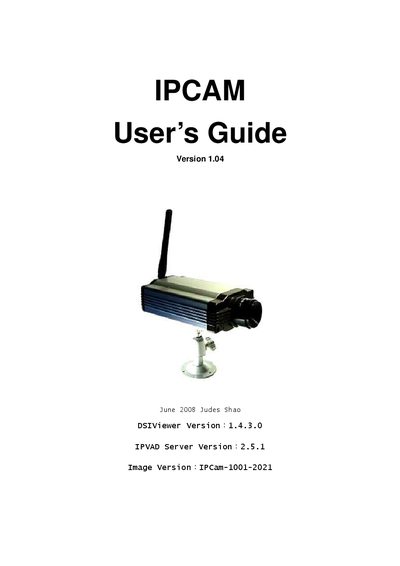
This manual covers everything needed to set up and operate the Davicom IPCAM-1001. It begins with a product introduction, lists the package contents, and details the minimum system requirements. Installation steps for hardware and software are described, including connecting the camera to a network, powering the device, and configuring the DSIViewer client.
Further sections explain how to configure network settings, view live video, record footage, and use advanced features such as motion detection, DDNS, and wireless security. A comprehensive FAQ at the end addresses common issues like ActiveX plug‑in installation, wireless connectivity problems, and firmware upgrades.
| Minimum CPU | Pentium III 1 GHz or above |
|---|---|
| Minimum Memory | 256 MB |
| Supported Operating System | Microsoft Windows XP, 2000 or above |
| Supported Browser | Microsoft Internet Explorer 5.0 or above |
You need to install the ActiveX plug‑ins before the video or image can be displayed.
Configure the wireless settings to match the router’s WEP/WPA configuration.
Select English as the user language and upgrade to the firmware version IPCAM‑1001‑1217_TW.