
This document is the user manual for IPCAM IP Wireless/Wired Camera NIGHT VISION & REMOTE PAN/TILT ROTATE. It introduces the features, packing list, product views, hardware instruction, software installation, and software operation of the product.
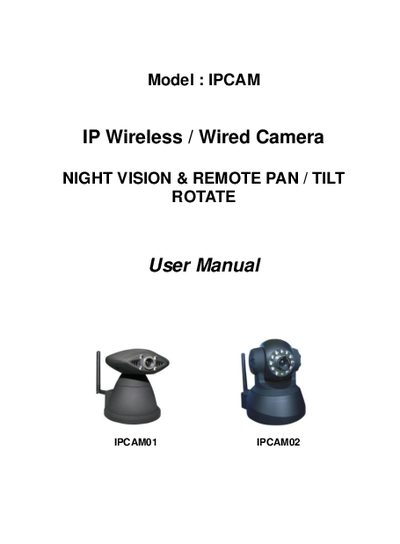
This manual introduces the IPCAM IPCAMO1/2, a wireless and wired IP camera featuring a 1/4" color CMOS sensor, night‑vision LEDs, and remote pan/tilt/rotate capability. It explains the hardware components, required accessories, and basic specifications.
The guide covers software installation, network configuration, DDNS setup, motion detection, alarm I/O, and firmware upgrade procedures. Detailed troubleshooting steps and FAQ sections help resolve common connectivity and performance issues.
| Image Sensor | 1/4" Color CMOS Sensor |
|---|---|
| Resolution | 640 x 480 Pixels (400k Pixels) |
| Night Vision | 4 IR LEDs, visibility up to 5 m |
| Weight | Gross 705 g |
| Wireless Standard | IEEE 802.11b/g |
Press and hold the RESET BUTTON for a few seconds, then release the power button; the camera will revert to factory settings.
The default username is admin and the password is blank (no password).
Enter the correct administrator username and password in the Upgrade Firmware section and follow the on‑screen prompts.