
CN41 is a digital piano from KAWAI, with 309 sounds, it can be used for practice through the built-in teaching function and recording function, and supports MIDI function and USB device connection
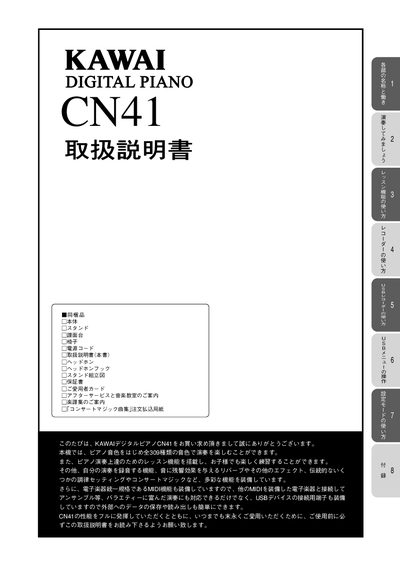
This operating manual thanks the owner for purchasing the Kawai CN41 digital piano and provides important safety warnings, assembly instructions, and warranty information. It emphasizes proper handling to avoid electric shock, fire, or damage to the instrument.
The guide then details how to power on the piano, select tones, use dual and split play modes, apply reverb and other effects, adjust the touch curve, and operate the metronome. It also covers the lesson function, recorder, USB menu, and connections such as MIDI and USB, helping users make full use of the piano’s 309 built‑in sounds and recording capabilities. This manual is written in Japanese.
Press the POWER (電源スイッチ) button to turn the piano on.
Press the METRONOME button to turn the metronome on.
Yes, you can connect a USB memory or floppy drive to the USB device port.