
ASA5510 Configuration Manual introduces the configuration method of ASA5510, including setting hostname, timezone, clock, inside interface IP, outside interface IP, username and password, HTTP and TELNET, site to site vpn, etc.
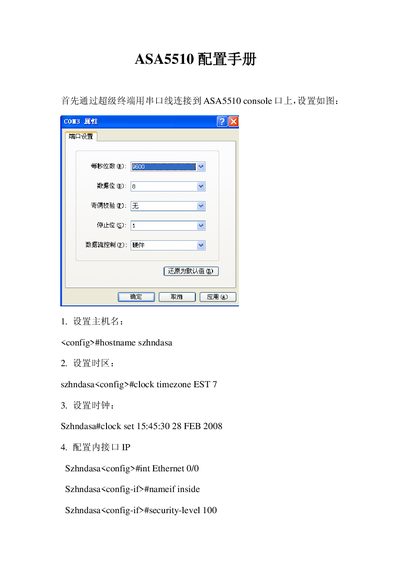
This manual provides step‑by‑step command‑line instructions for configuring an ASA5510 firewall. It covers basic host naming, time zone settings, interface definitions, IP addressing, and security levels.
Additional sections demonstrate how to enable HTTP and Telnet access, set up AAA authentication, and configure site‑to‑site VPN parameters such as crypto maps and transform sets.
Enter configuration mode and use the command `hostname szhndasa`.
Use `http server enable` in configuration mode.