
Key facts
- Manuals
- 1
- Categories
- 1
- Languages
- EN
- Last added
- 2012-02-05
Featured ASA5510 manuals
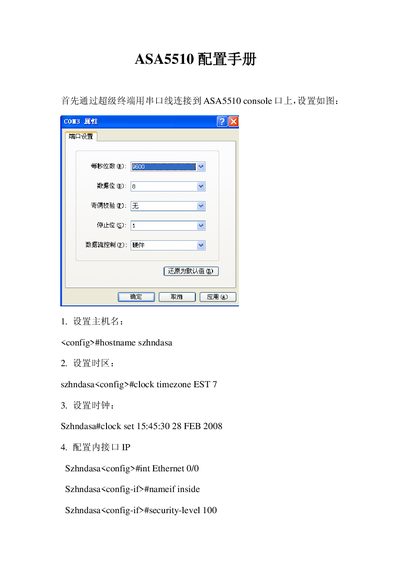
ASA5510 Solutions Manual
This manual provides step‑by‑step command‑line instructions for configuring an ASA5510 firewall. It covers basic host naming, time zone settings, interface definitions, IP addressing, and security levels.
Additional sections demonstrate how to enable HTTP and Telnet access, set up AAA authentication, and configure site‑to‑site VPN parameters such as crypto maps and transform sets.
Covers: Hostname and Time Configuration · Interface Definition and IP Addressing · Security Levels and AAA Authentication · HTTP and Telnet Server Enablement · Site‑to‑Site VPN Configuration
Latest ASA5510 manuals
ASA5510 Solutions Manual
User Manual 3 pages · 56 KB · ENConfiguration guide for the ASA5510 firewall showing command‑line setup steps.
Which document do I need?
User Manual
Day-to-day operation, settings and troubleshooting. Start here if the product is already set up.
Questions answered in ASA5510 manuals
How do I set the hostname on the ASA5510?
Enter configuration mode and use the command `hostname szhndasa`.
From: ASA5510 Solutions Manual
What command enables the HTTP server on the ASA5510?
Use `http server enable` in configuration mode.
From: ASA5510 Solutions Manual