
This document introduces the operating instructions of DVI 110 DVI and HDMI DVI signal regenerator.
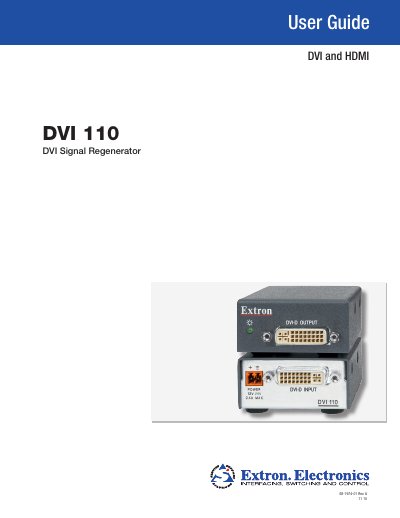
The Extron DVI 110 Signal Regenerator restores degraded DVI/HDMI video signals to full‑HD quality. This guide explains the device’s features, how to connect it, and how to interpret the LED status indicators.
Installation instructions cover front‑ and rear‑panel connections, power requirements, and mounting options such as rack, furniture, or tabletop use. Reference sections provide detailed specifications, part numbers, optional accessories, and safety information.
| Maximum data rate | 4.95 Gbps (1.65 Gbps per color) |
|---|---|
| Maximum pixel clock | 165 MHz |
| Resolution range | Up to 1920x1200 or 1080p @ 60 Hz |
| Power input | 12 VDC, 0.4 A (external supply) |
| Operating temperature | +32 to +122 °F (0 to +50 °C) |
| Enclosure dimensions | 1.0" H × 2.2" W × 3.0" D |
| Product weight | 0.4 lb (0.2 kg) |
It requires an external 12 VDC, 0.4 A power supply and cannot draw power from the input device.
A bicolored LED shows amber when power is present and green when a valid DVI/HDMI signal is detected.
DVI output cables up to 15 ft (4.5 m) are supported for resolutions up to 1920×1200 or 1080p @ 60 Hz.