
This is a Dual Length DVI Cable Equalizer 68-1574-01 Rev. A 06 08 DVI DL 101 that can balance two different lengths of DVI cables to ensure the quality of signal transmission.
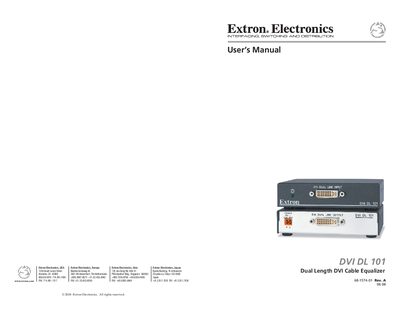
The Extron DVI DL 101 is a dual‑link cable equalizer that extends DVI signals beyond the standard 15' (5 m) limit. It can be placed at the end of a cable run up to 275' (84 m) for dual link or 200' (61 m) for single link, automatically equalizing and driving the signal to maintain image quality. The unit supports all dual‑link DVI signals up to 330 MHz and single‑link rates up to 165 MHz, passes EDID and HDCP data, and can work with HDMI adapters.
Installation is flexible: the DVI DL 101 can be mounted on a rack shelf, under or through furniture, attached to a projector pole, or used on a tabletop with four rubber feet. Safety warnings, power‑status LEDs, and optional DDC/HDCP buffering are described in the manual.
| Maximum dual‑link DVI frequency | 330 MHz |
|---|---|
| Maximum single‑link DVI frequency | 165 MHz |
| Maximum input cable length (high rates) | 200 ft (50.8 m) |
| Maximum output cable length | 16.4 ft (5 m) |
| Power supply output | 12 VDC, 2 A |
The DVI DL 101 can accept input cables up to 200 ft (50.8 m) for the highest dual‑link rates.
It can be mounted on a rack shelf, under or through furniture, attached to a projector pole, or placed on a tabletop using the included rubber feet.
The amber LED shows that power is connected, while the green LED indicates that a source signal is present.