
TCA1000/1100 total station airborne automatic multi-turn observation application software is a specially designed airborne software that provides efficient and convenient automated measurement, greatly improves work efficiency, reduces labor intensity, and meets the requirements of internal and external data integration and standardization.
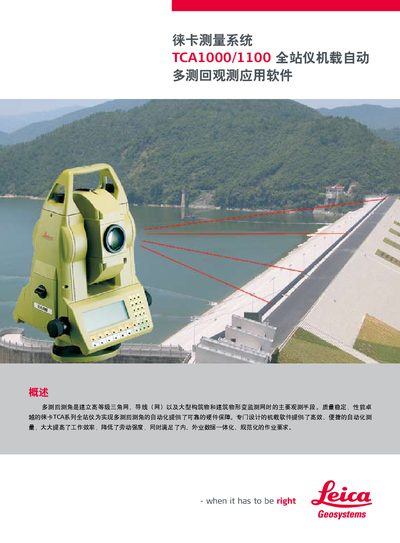
The manual describes the Leica TCA series total stations equipped with onboard software for automated multi‑measurement angle observations. The software automates target acquisition, distance and angle measurement, and real‑time error checking, greatly improving efficiency and reducing labor.
It also covers flexible limit‑difference settings, one‑time learning measurement per station, automatic report generation, and export options (Excel, PDF, HTML). Installation is performed via Leica Survey Office, and the system is compatible with TCA1800/2003 total stations. This manual is written in Chinese.
| Supported Instruments | TCA1800/2003 total stations |
|---|---|
| Report Formats | Excel, PDF, HTML |
| Limit Settings | Customizable and saved automatically |
| Learning Measurement | Required only once per station |
Only once; after the initial learning measurement the instrument automatically uses the stored data for subsequent observations.
Reports can be exported as Excel, PDF, or HTML files.
Yes, limit values can be set according to specific needs and are usually saved automatically, so they rarely need to be changed.