
This document introduces the hardware installation and configuration methods of AP2000, including network name, IP configuration, security settings, authentication mode and other content.
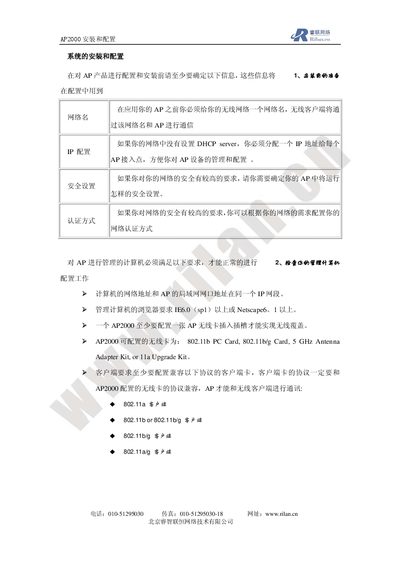
The AP2000 is a wireless access point that provides network connectivity for client devices. This guide explains the required information before installation, such as network name (SSID) and security settings.
It covers hardware installation (mounting, power options via PoE or external power module), inserting the appropriate wireless card (802.11b/g, 802.11a/g, 5 GHz), initial startup, and detailed configuration through the web interface, including system, network, and interface settings, as well as how to reset the device to factory defaults. This manual is written in Chinese.
| Supported wireless standards | 802.11b, 802.11b/g, 802.11a/g, 5 GHz |
|---|---|
| Default HTTP management password | public |
The default HTTP management password is "public".