
This user manual introduces the features and installation methods of Antec Two Hundred case
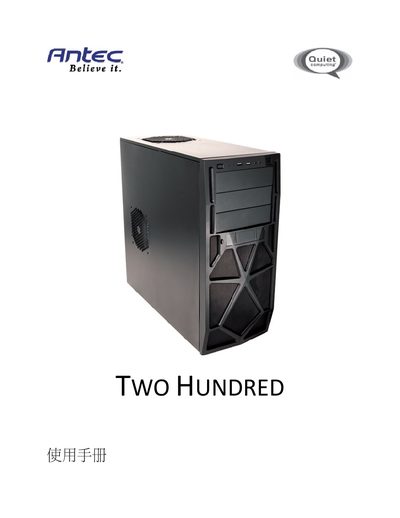
The Antec Two Hundred installation guide provides step‑by‑step instructions for assembling the mid‑tower case. It covers hardware installation, including mounting the motherboard, connecting the front panel, and installing cooling fans.
Additional sections detail the drive‑bay layout, 2.5" and 3.5" storage installation, and the required BIOS settings for SATA operation. Contact information for Antec technical support and warranty notes are included at the end of the manual. This manual is written in Japanese.
| Dimensions (H × W × D) | 450 mm × 200 mm × 470 mm |
|---|---|
| Weight | 15.3 lb (6.4 kg) |
| Drive Bays | 3 × 5.25" external, 1 × 3.5" internal, 6 × 3.5" internal, 1 × 2.5" SSD, 4 × 2.5" HDD |
| Motherboard Support | Mini‑ITX, micro‑ATX, Standard ATX |
| Front Panel USB | 2 × USB 2.0 ports |
| Audio Interface | AC'97 / HD Audio |
It offers three external 5.25" bays, one internal 3.5" bay, six internal 3.5" bays, one internal 2.5" SSD bay, and four internal 2.5" HDD bays.
The case supports Mini‑ITX, micro‑ATX, and Standard ATX motherboards.
The AHCI mode must be enabled in the BIOS before installing a 2.5" SATA drive.