
The CS-72E KVM switch is a device designed to connect two computers and allow you to control both of them using a single keyboard, monitor, and mouse. It has a specially designed connector that only requires three ports to connect to the computers and the control unit, and it is very easy to install and use.
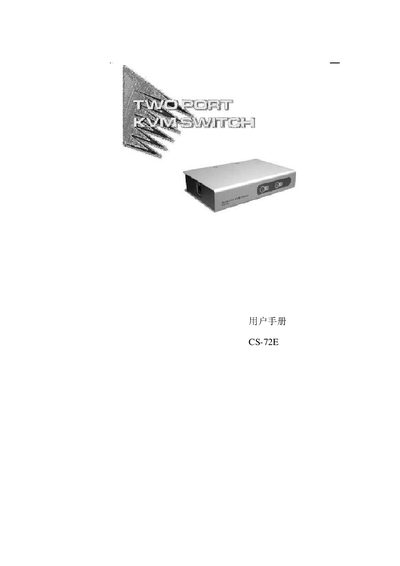
The CS-72E is a compact, upright two‑port KVM switch that lets a single keyboard, monitor and mouse control two computers. It uses a custom SPDB‑15 connector to reduce cable clutter and offers features such as hot‑plug, automatic scanning, LED status indicators, and support for high‑resolution video up to 2048×1536.
This manual explains how to install the switch, connect the dedicated CS cables, use the front‑panel buttons or hot‑key combinations to switch hosts, and troubleshoot common issues such as cable connections, video resolution limits, and device interference. This manual is written in Chinese.
| CPU ports | 4 |
|---|---|
| Keyboard interface | PS/2 |
| Scan interval | 5 seconds |
| Operating temperature | 0‑50 °C |
| Humidity range | 0‑80 % RH |
| Weight | 0.50 kg |
| Dimensions (L×W×H) | 20.0 × 8.0 × 2.5 cm |
| Maximum video resolution | 2048 × 1536 |
Press the front‑panel button for the desired port or use the hot‑key combination shown in the Hot Keys section.
It supports video resolutions up to 2048 × 1536.