
Key facts
- Manuals
- 3
- Languages
- JA · ZH
- Last added
- 2012-02-03
Featured TWO manuals
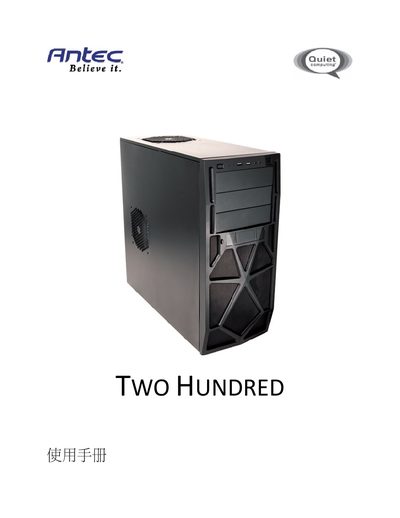
Antec Two Hundred Installation Guide
The Antec Two Hundred installation guide provides step‑by‑step instructions for assembling the mid‑tower case. It covers hardware installation, including mounting the motherboard, connecting the front panel, and installing cooling fans.
Additional sections detail the drive‑bay layout, 2.5" and 3.5" storage installation, and the required BIOS settings for SATA operation. Contact information for Antec technical support and warranty notes are included at the end of the manual. This manual is written in Japanese.
Covers: Hardware Installation Guide · Motherboard Installation · Cooling System · Drive Bay Layout · Front Panel Connections · Specifications
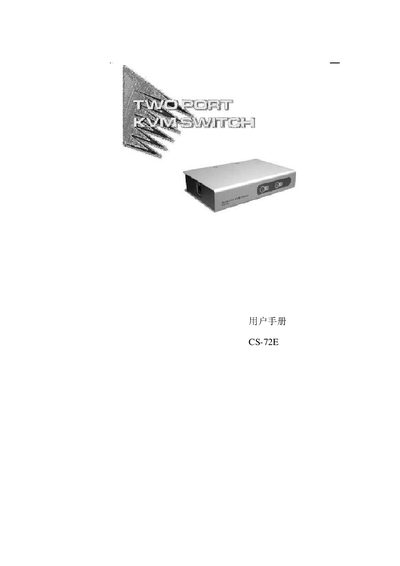
ATEN CS-72E KVM Switch User Manual
The CS-72E is a compact, upright two‑port KVM switch that lets a single keyboard, monitor and mouse control two computers. It uses a custom SPDB‑15 connector to reduce cable clutter and offers features such as hot‑plug, automatic scanning, LED status indicators, and support for high‑resolution video up to 2048×1536.
This manual explains how to install the switch, connect the dedicated CS cables, use the front‑panel buttons or hot‑key combinations to switch hosts, and troubleshoot common issues such as cable connections, video resolution limits, and device interference. This manual is written in Chinese.
Covers: Overview · Features · System Requirements · Front Panel · Rear Panel · Installation Notes
Latest TWO manuals
Antec Two Hundred Installation Guide
Installation Guide 13 pages · 1.5 MB · JAInstallation guide for the Antec Two Hundred PC case, covering hardware setup, cooling system, drive bays, and front‑panel connections.
TWO PORT PETITE KVM SWITCH CS-62A user manual
ATEN CS-72E KVM Switch User Manual
User Manual 18 pages · 330 KB · ZHThe ATEN CS-72E KVM Switch User Manual provides installation, operation, and troubleshooting instructions for the two‑port KVM device.
Which document do I need?
Installation Guide
Mounting, wiring and first power-up. Read it before the hardware goes in.
User Manual
Day-to-day operation, settings and troubleshooting. Start here if the product is already set up.
Questions answered in TWO manuals
What drive‑bay options does the Two Hundred case provide?
It offers three external 5.25" bays, one internal 3.5" bay, six internal 3.5" bays, one internal 2.5" SSD bay, and four internal 2.5" HDD bays.
Which motherboard form factors are supported?
The case supports Mini‑ITX, micro‑ATX, and Standard ATX motherboards.
How do I switch between the two connected computers?
Press the front‑panel button for the desired port or use the hot‑key combination shown in the Hot Keys section.
What video resolution does the CS‑72E support?
It supports video resolutions up to 2048 × 1536.