
wePresent (Model Name : WP-820) User Manual in Chinese, introducing the features and usage of this product.
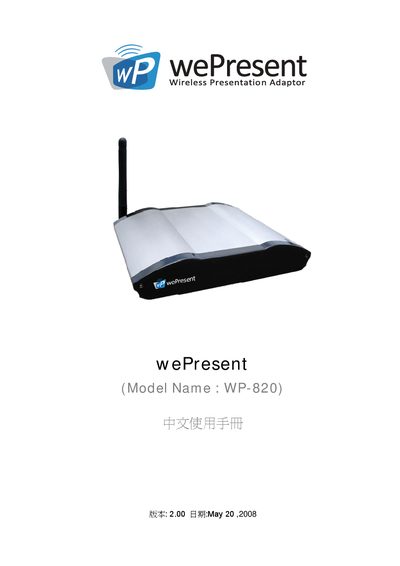
The wePresent WP-820 is a wireless presentation adaptor that enables wireless projection from PCs, laptops, PDA and Mac devices. It supports plug‑and‑show operation, four‑display split‑screen projection, magnifier and video playback functions, and includes security features such as login codes and encrypted connections.
The manual covers safety and regulatory warnings, installation steps, wireless network configuration, web‑based control interface, usage of the four‑display mode, PDA and Mac wireless presentation, and procedures for system updates, restart, and logout. It also lists supported operating systems and default login credentials. This manual is written in Chinese.
| Frequency band | 2.4‑2.4835 GHz |
|---|---|
| Maximum EIRP | 100 mW |
| Supported wireless standards | 802.11b/g, 802.11a |
| Supported operating systems | Windows Vista, XP, 2000, Mobile 5/6 |
The default login code is 1234.
It supports 802.11b, 802.11g, and 802.11a.
No, outdoor use is prohibited.