
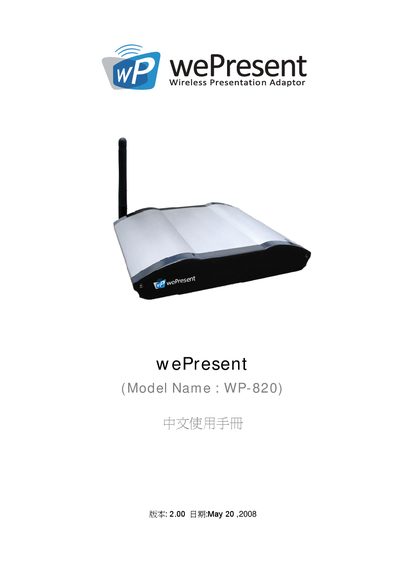
The WP-820 is a wireless presentation adaptor that connects to a projector via VGA and allows multiple devices—including PCs, laptops, and Windows Mobile PDAs—to project content without cables. It supports plug‑and‑show operation, four‑split screen projection, and a built‑in magnifier for video playback.
The manual covers safety warnings, regulatory compliance (FCC, CE Class B), wireless standards (802.11b/g, 802.11a), installation steps, web‑based management interface, login credentials, and procedures for restarting or logging out of the device. This manual is written in Chinese.
| Maximum EIRP | 100 mW |
|---|---|
| Operating Frequency | 2.4‑2.4835 GHz |
| Regulatory Class | CE Class B (home use) |
| FCC Compliance | Meets FCC Part 15 requirements |
| Supported Wi‑Fi Standards | 802.11b/g, 802.11a |
The default login code is 1234.
Enter the default IP address 192.168.100.10 in a web browser.
It supports 802.11b, 802.11g, and 802.11a.
The device is limited to a maximum EIRP of 100 mW.