
Owon HDS handheld digital oscilloscope user manual, introduces how to use the oscilloscope to measure the frequency, period, peak-to-peak value, average value, root mean square value, and how to use the cursor to measure the voltage amplitude and time.
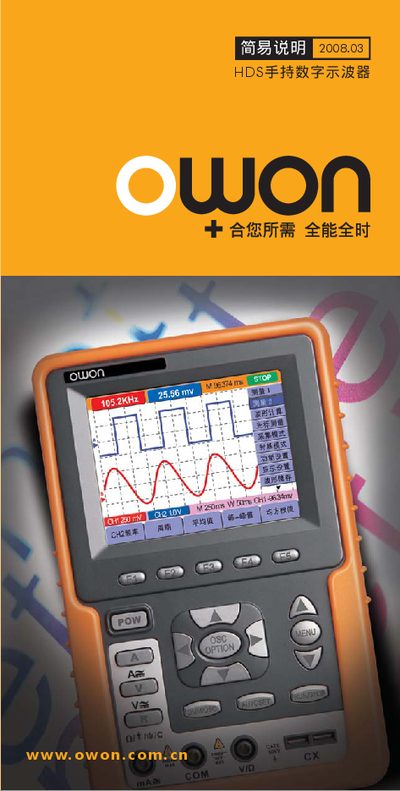
This manual provides an overview of the Owon HDS hand‑held digital oscilloscope, describing its front‑panel controls, menu structure, and measurement options. It explains how to navigate the various OSC OPTION menus, configure channels, and select voltage and time‑base ranges.
The document also lists the input voltage ranges for each channel, typical trigger settings, and safety precautions. Users can refer to the menu tables to set up measurements such as AUTOSET, voltage scaling, and waveform capture.
| Maximum input voltage (CH1) | 1.500 V |
|---|---|
| Time‑base (example setting) | 250 µs |
Press the MENU key and select the desired OSC OPTION entry from the list.
The maximum measurable voltage on CH1 is 1.500 V.
Select the setting shown as 250 µs in the time‑base menu.