
iCatch RVH1004/US411, RVH1008/US811, RVH1016/US611 Network Setup Guide

This document introduces the network setup method for RVH series DVRs
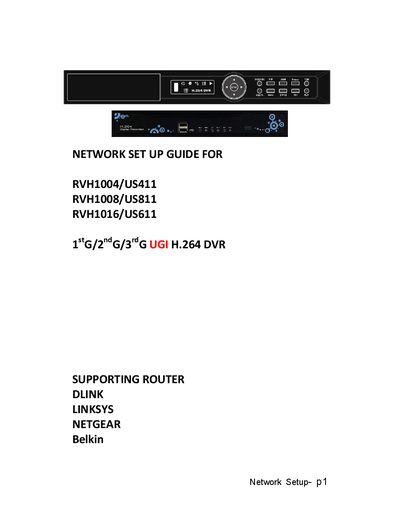

iCatch RVH1004/US411, RVH1008/US811, RVH1016/US611 Network Setup Guide - cover page
Brand
RVH1004/US411
Category
Other
Document type
Installation Guide
Language
English
Pages
13
File format
PDF
File size
947 KB
Published
24 January, 2012
Updated
30 September, 2023
MD5 checksum
992FB95183EA4436BFDF51515B1A232E

About this manual

This guide walks you through activating the free DDNS service, configuring the DVR’s network settings, and setting up port forwarding on common routers (D‑Link, Linksys, Netgear). It includes the required IP address, subnet mask, gateway, and HTTP port values.

Follow the instructions to enable remote viewing of your DVR from any computer or mobile device, and troubleshoot static IP or router configuration issues.

What's inside

  • Introduction
  • Activate DDNS Service
  • DVR Network Settings
  • HTTP Setup
  • Router Configuration
  • Static IP Address Setup
  • Troubleshooting
Download PDF (947 KB)