
Key facts
- Manuals
- 1
- Languages
- EN
- Last added
- 2012-01-24
Featured RVH1004/US411 manuals
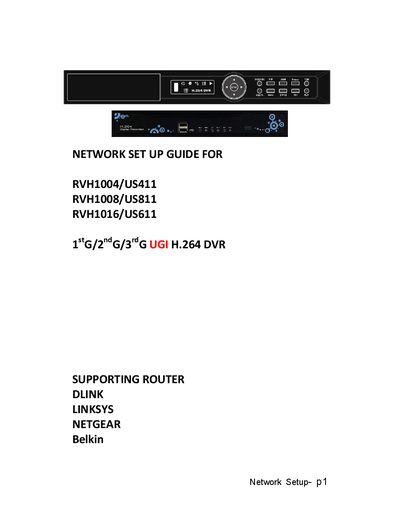
iCatch RVH1004/US411, RVH1008/US811, RVH1016/US611 Network Setup Guide
Installation Guide 13 pages · 947 KB · EN
This guide walks you through activating the free DDNS service, configuring the DVR’s network settings, and setting up port forwarding on common routers (D‑Link, Linksys, Netgear). It includes the required IP address, subnet mask, gateway, and HTTP port values.
Follow the instructions to enable remote viewing of your DVR from any computer or mobile device, and troubleshoot static IP or router configuration issues.
Covers: Introduction · Activate DDNS Service · DVR Network Settings · HTTP Setup · Router Configuration · Static IP Address Setup
Latest RVH1004/US411 manuals
iCatch RVH1004/US411, RVH1008/US811, RVH1016/US611 Network Setup Guide
Installation Guide 13 pages · 947 KB · ENStep‑by‑step guide to connect iCatch RVH series DVRs to the Internet using DDNS and router port‑forwarding.
Which document do I need?
Installation Guide
Mounting, wiring and first power-up. Read it before the hardware goes in.