
This is a service manual for a 17-inch wide screen LCD monitor
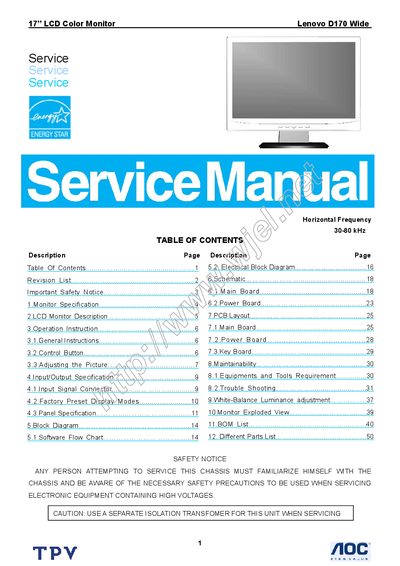
This service manual provides detailed information for servicing the Lenovo D170 Wide 17" LCD monitor. It includes safety notices, an overview of the monitor’s internal architecture, and step‑by‑step instructions for disassembly, repair, and re‑assembly.
The document also contains the monitor’s technical specifications, a full parts list, wiring diagrams, and troubleshooting guidance to help technicians diagnose and resolve common issues.
| Screen size | 17" |
|---|---|
| Pixel pitch | 0.255 mm (H) × 0.255 mm (V) |
| Viewable angle | 160° (H) / 160° (V) |
| Response time | 8 ms |
| Sync type | H/V |
| Horizontal frequency | 30 kHz |
| OFF‑mode power consumption | < 2 W |
| Contrast ratio | 01 |
| Dot clock | 137 MHz |
| White luminance | 250 cd/m² |
| Maximum resolution | 1440 × 900 |
| Display colors | 762,144 |
| Power source | 100‑240 VAC, 47‑63 Hz |
| Operating temperature | 0 °C to 45 °C |
| Storage temperature | -20 °C to 60 °C |
| Operating humidity | 10 % to 80 % |
Press the power button on the right side of the monitor; the power indicator will light when the monitor is on.
Open the OSD menu with the appropriate button, navigate to the Brightness icon, and use the adjustment keys to increase or decrease brightness.
Use a separate isolation transformer, wear an ESD wrist strap, avoid water and high humidity, and use only original replacement parts.
The monitor consumes less than 2 W in OFF mode.