
This document introduces the basic use of ARM MultiTrace tools, including setting up the MultiTrace unit and using MultiTrace with AD
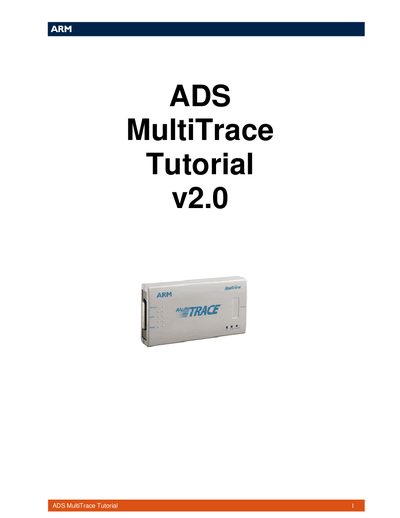
The guide provides a basic introduction to the ARM MultiTrace tools and step‑by‑step instructions for initial setup and use. It is split into two main sections: setting up the MultiTrace unit and using it with ADS for trace capture.
Section 1 explains hardware connections, Ethernet configuration, and how to identify the correct unit. Section 2 shows how to configure the target, start tracing, and view captured data in the AXD debugger.
| Ethernet Address Format | 00:02:F7:00:01:98 |
|---|---|
| Host Name Identifier | TPA00000205 |
You need ADS 1.2, Multi‑ICE 2.2 and MultiTrace 1.0 installed on the PC.
Match the Ethernet address and Host Name printed on the label of the unit.
Open the Ethernet Config Utility from the Start menu, scan for devices, and select the desired unit.