
The Matrox Inspector User Manual explains how to acquire, process, and analyze images using the Inspector software.
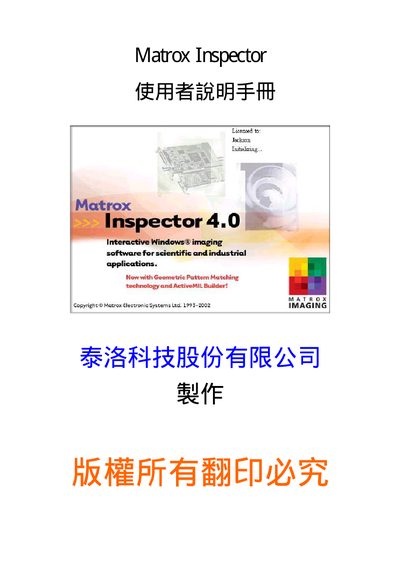
This manual introduces the workflow for image analysis with Matrox Inspector, covering image acquisition, enhancement, feature identification, measurement, and result presentation. It also provides guidance on using continuous grab modes, ROI definition, and exporting data.
The document includes detailed descriptions of tools such as the Histogram, Pseudo‑coloring, and Geometric Model Finder, as well as instructions for configuring continuous normal, double‑buffer, and averaged modes. Users can learn how to set up ROI/ AOI, export results to Excel, and work with supported file formats like DICOM and BMP. This manual is written in Chinese.
| Software version | 4.0 |
|---|---|
| Supported color depth | 24‑bit RGB |
Use the “Acquire an image” command from the menu to open files or capture from a connected camera.
Yes, the software provides an “Export to Excel” function for ROI and histogram data.