
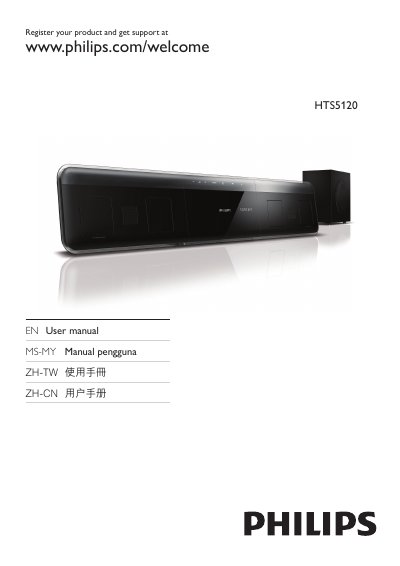
Philips HTS5120 Home Theater System User Manual


Philips HTS5120 Home Theater System User Manual - cover page
Brand
Philips
Category
Other
Document type
User Manual
Language
Chinese
Pages
24
File format
PDF
File size
4 MB
Updated
29 September, 2023
Model
HTS5120
MD5 checksum
397D70D2E6C027B981AF2467EE48E855

About this manual

This is the user manual for the Philips HTS5120 home theater system. It explains how to register the product, use the main unit and remote control, and connect the system to a TV and other devices.

The manual also describes how to play discs, USB content, radio, and audio from TV or other devices, change settings, and update software from CD-R or USB. This manual is written in Chinese.

What's inside

  • Safety
  • Product maintenance
  • Your home theater
  • Connecting the home theater
  • Connectors
  • Connecting to a TV
  • Using the home theater
  • Changing settings
  • Updating software

Specifications

Laser classClass 1
AC adapter modelPHILIPS G721DA-270250

Frequently asked questions

Where can I register my Philips HTS5120 product?

Register at www.philips.com/welcome to get support.

What should I do if liquid splashes on the home theater?

Disconnect the power immediately and contact the Philips customer service center before using the product again.

How can I update the software on the home theater?

You can update the software from a CD-R or USB storage device.

How do I connect the home theater to a TV using HDMI?

Connect the HDMI OUT connector on the home theater to the HDMI input connector on the TV.

Download PDF (4 MB)

More Philips Manuals


View all Philips manuals →