
This quick start guide introduces you to your Philips GoGear MP3 video player, including how to connect it to your computer, play music, watch videos, and more.
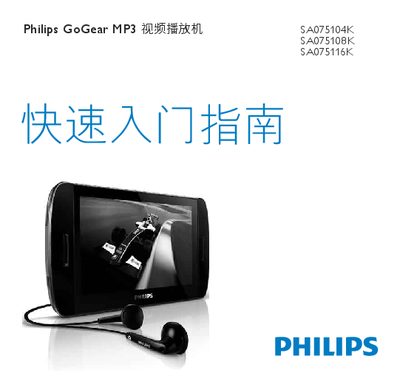
The manual provides step‑by‑step instructions for registering the GoGear MP3 video player, unpacking the device, and understanding the controls and connections, including the touch screen, volume buttons, headphone jack, SD card slot, USB and HDMI ports. It also explains how to connect the player to a computer via USB, install the Philips Device Manager software, and transfer media files.
Further sections cover playing music, video, and FM radio, adjusting settings, performing manual firmware verification and updates, and where to find help and recycling information. Minimum PC requirements for software installation are also listed. This manual is written in Chinese.