
StoreJet 35T is a USB 2.0 high-speed external hard drive that supports One Touch automatic backup function and TurboHDD USB mode, which can easily backup files, photos, music and videos on desktop or laptop computers.
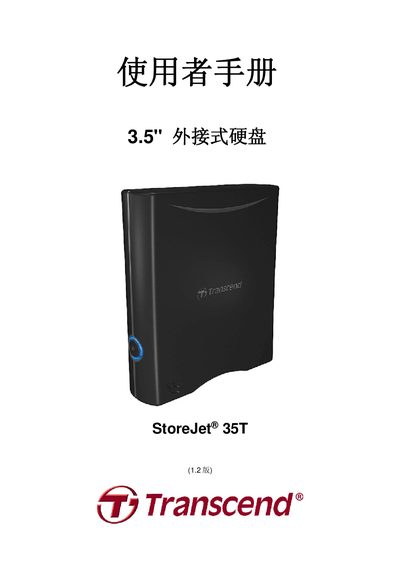
This manual introduces the StoreJet 35T external hard drive, its packaging contents, key features such as OneTouch backup, TurboHDD USB mode, and 256‑bit AES encryption, and lists system requirements for Windows, Mac and Linux. It also covers safety precautions, general operation, power connection, and data backup recommendations.
Detailed instructions explain how to connect the device to a computer, use the OneTouch backup button, enable TurboHDD USB for faster transfers, format the drive, and resolve common issues. The document finishes with product specifications, ordering information, recycling guidelines, and warranty terms. This manual is written in Chinese.
| Dimensions (L×W×H) | 152.40mm × 44.80mm × 172.40mm |
|---|---|
| Weight | 1040 g |
| Storage Media | 3.5" SATA hard drive |
| Power Supply | AC 100‑240 V, DC 12 V/2 A |
| Maximum Transfer Rate | 480 Mbits/s |
| Operating Temperature | 5 °C to 55 °C |
| Certifications | CE, FCC, BSMI |
| Warranty Period | 3 years |