
StoreJet 35T is a USB 2.0 external hard drive with a space-saving vertical design, TurboHDD USB mode, One Touch automatic backup function, 256-bit AES file or folder encryption function, power-saving sleep mode, pre-formatted, fanless, high data transfer speed, hot-swappable, plug and play, super large capacity hard drive, and Transcend Elite software.
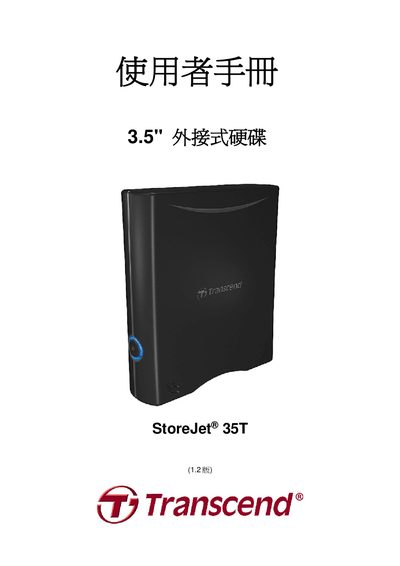
This manual introduces the StoreJet 35T external hard drive, its features, and the software bundle that enables fast data transfer, One Touch backup and AES‑256 encryption. It guides users through safe handling, connection, and operation of the device across Windows, macOS and Linux platforms.\n\nKey sections cover safety precautions, power and USB connection steps, using the One Touch button, enabling TurboHDD USB mode, formatting the drive, and a detailed troubleshooting guide. Technical specifications and warranty information are provided at the end of the document. This manual is written in Chinese.
| Dimensions (L×W×H) | 152.40mm × 44.80mm × 172.40mm |
|---|---|
| Storage media | 3.5‑inch SATA hard drive |
| AC input voltage | 100 V‑240 V |
| DC input | 12 V / 2 A |
| Maximum transfer speed | 480 Mbits/s |
| Certifications | CE, FCC, BSMI |