
This document contains important information about the PG-C30XA LCD projector, including precautions, safety measures, and notes on replacing the lamp.
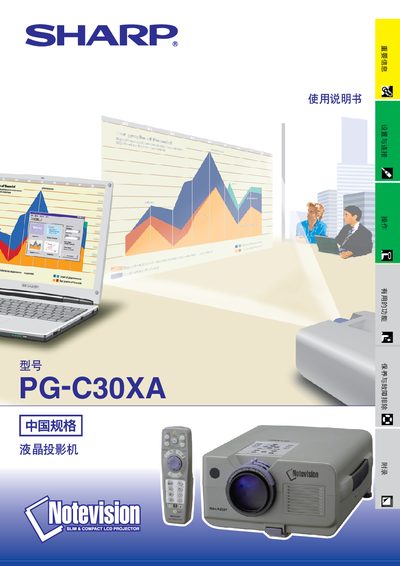
This manual explains how to safely install, connect, and operate the Sharp PG‑C30XA LCD projector. It includes important safety warnings, step‑by‑step setup procedures, and detailed descriptions of the projector’s functions such as image adjustment, laser pointer use, and remote control features.
The document also contains troubleshooting tips, maintenance advice for the air‑filter and lamp, and a full list of technical specifications, including video input formats, resolution, power requirements, and RS‑232C communication details. This manual is written in Chinese.
| Display method | 半透明 TN液晶板 |
|---|---|
| Pixel count | 786,432 points |
| Zoom lens | 1.0–1.3×, F1.7–2.0, 33–43 mm |
| Input voltage | 110–120 V / 220–240 V |
| Dimensions | 约 22.9 mm × 13.9 mm × 18.5 mm |
Turn off the projector, disconnect the AC power cord, wait at least one hour for the internal surfaces to cool, then remove the screws and replace the lamp.
After turning off the power, wait about 90 seconds for the cooling fan to stop before disconnecting the AC power cord.