
The Philips DVD player DVP5990K with HDMI and USB interfaces is the perfect partner for high-definition televisions. It offers high-definition video (720p/1080i/1080p) for an immersive entertainment experience. The HDMI 1080p output provides clear and sharp images, and the HDMI digital output allows for easy connection with just one cable. The DVD player supports various formats including DivX Ultra, Windows Media Video, WMV, DivX, WMA, MP3, and high-definition JPEG photos. It also features improved Karaoke function with scoring, and can be connected to multiple audio sources via the high-speed USB 2.0 connection. The DVD player is easy to install and use, with one-key MP3 creation and control of all EasyLink products with a single remote control.
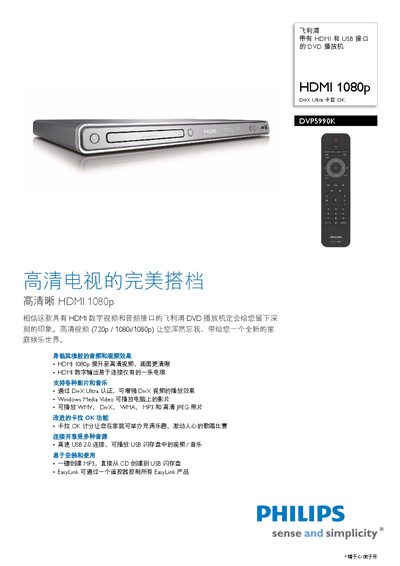
This manual introduces the Philips DVP5990K DVD player, a device with HDMI and USB interfaces that delivers high‑definition video (720p/1080i/1080p) and supports a wide range of audio and video formats. It explains how to install the unit, connect it to a TV or audio system, and use its built‑in functions such as karaoke scoring and EasyLink remote control.
Key features covered include HDMI 1080p digital video output, DivX Ultra video playback, high‑speed USB 2.0 media access, one‑key MP3 creation from CDs, and the EasyLink system that lets one remote control multiple HDMI‑CEC compatible devices. This manual is written in Chinese.
| Video Output | HDMI 1080p |
|---|---|
| USB Interface | USB 2.0, 480 Mbps |
| D/A Converter | 12‑bit, 108 MHz |
Use the HDMI 1080p digital output to connect the player to the TV.
Yes, it includes a karaoke scoring function that rates your performance.
Press the one‑key MP3 creation button to convert CD tracks to MP3 and store them on a USB flash drive.
The EasyLink feature uses HDMI‑CEC to allow one remote to control all compatible devices.