
This manual introduces the use of liquid crystal multimedia displays IL-23M1, IT-23M1.
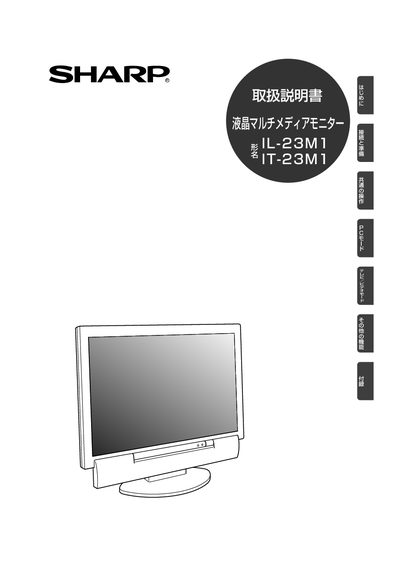
This manual provides safety instructions, a list of supplied accessories, and detailed guidance for installing and operating the Sharp IL-23M1/IT-23M1 LCD monitor. It explains how to connect power, video, audio, and antenna cables, as well as how to use the remote control and adjust picture settings.
The document also includes maintenance advice such as regular cleaning, proper handling of the power adapter, and troubleshooting tips for common issues like loose plugs or abnormal screen behavior. Contact information for Sharp’s customer service and recycling program is provided at the end. This manual is written in Japanese.
| Power Supply | AC100V 50/60Hz |
|---|---|
| Display Type | TFT colour LCD panel |
| Video Input (Digital) | PC digital RGB (DVD24‑pin) |
| Video Input (Analog) | PC analog RGB (mini D‑sub 15‑pin) |
| Audio Input | PC audio input (stereo mini‑jack) |
The monitor must be powered with AC100 V at 50 Hz or 60 Hz.
No, the monitor is intended for domestic use in Japan with AC100 V only.
Clean the interior about once a year to prevent dust buildup.