
Liquid crystal color monitor LL-T18152 user manual, introduces the safety use, preparation before use, screen adjustment, supplementary instructions and other contents.
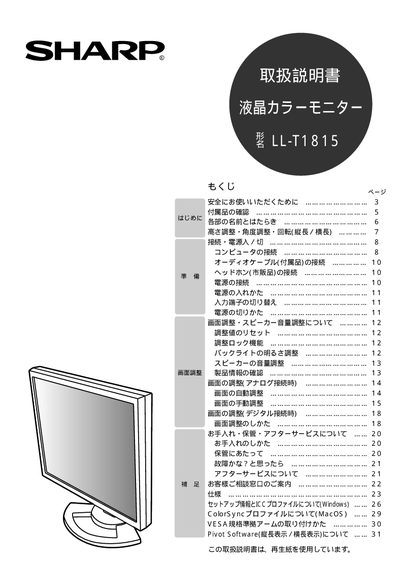
This manual explains how to safely set up and operate the Sharp IL‑T1815 LCD monitor. It covers safety precautions, checking accessories, and basic power‑on procedures.
It also details screen adjustments, height and angle positioning, audio and video connections, use of Pivot Software for screen rotation, and maintenance tips such as cleaning and warranty service information. This manual is written in Japanese.
| Power Supply | AC100V 50/60Hz |
|---|
Use the Pivot Software or the monitor’s rotate button to switch between portrait and landscape modes.
Turn off the monitor, unplug the power cord, and contact the sales dealer for assistance.