
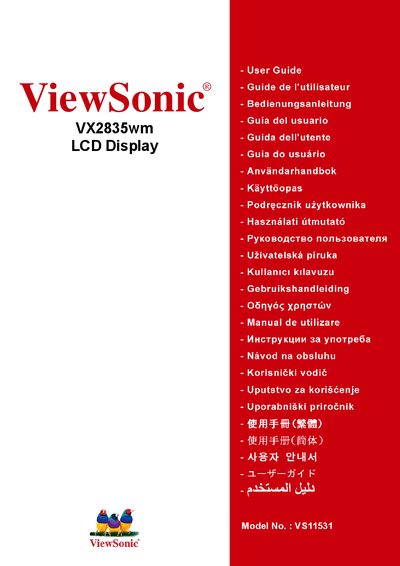
ViewSonic VX2835wm LCD Display User Guide


ViewSonic VX2835wm LCD Display User Guide - cover page
Brand
ViewSonic
Category
Monitor
Document type
User Manual
Language
English
Pages
26
File format
PDF
File size
791 KB
Published
19 December, 2011
Updated
29 September, 2023
MD5 checksum
A3340B2345A6C3AAE87ED400F2D78119

About this manual

This user guide covers important safety instructions, regulatory compliance (FCC, CE, TCO, ENERGY STAR) and environmental handling for the ViewSonic VX2835wm 27.5" LCD display. It also details the contents of the packaging, recommended installation procedures and basic operation tips.

Additional sections include product specifications, model and serial numbers, recycling information, and warranty terms for the United States, Canada, Europe and other regions.

What's inside

  • Safety Instructions
  • Regulatory Compliance
  • Environmental Information
  • Packaging Contents
  • Installation Guide
  • Product Specifications
  • Warranty Information
  • Recycling and Disposal

Specifications

Screen Size27.5"
Model NumberVS11531

Frequently asked questions

What is the model number of this display?

The model number is VS11531, identified as the VX2835wm series.

Download PDF (791 KB)

More ViewSonic Manuals


View all ViewSonic manuals →