
ViewSonic VG2227wm LCD Display User Manual

This is the user manual for ViewSonic VG2227wm LCD Display, which includes features, usage methods, installation methods and troubleshooting
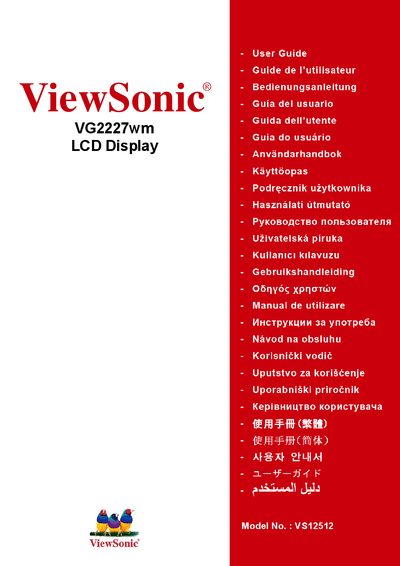

ViewSonic VG2227wm LCD Display User Manual - cover page
Brand
ViewSonic
Category
Other Electronics
Document type
User Manual
Language
Chinese
Pages
24
File format
PDF
File size
728 KB
Published
19 December, 2011
Updated
30 September, 2023
MD5 checksum
4E1B855027F74D1B720E9CB65C9FB608

About this manual

This ViewSonic VG2227wm LCD Display user manual contains safety instructions, electromagnetic compatibility information, RoHS compliance details, and setup guidance for the 21.5-inch wide LCD display. It covers package contents, quick installation, wall mounting, and raising or lowering the display.

The manual also describes menu controls, screen image adjustment, troubleshooting, customer support, cleaning the LCD display, and limited warranty information. This manual is written in Chinese.

What's inside

  • TCO Information
  • Electromagnetic Compatibility Information
  • Important Safety Instructions
  • RoHS Compliance Statement
  • Package Contents
  • Quick Installation
  • Wall Mounting
  • Setting Display Modes
  • Technical Specifications
  • Troubleshooting

Specifications

ModelVG2227wm
Model NumberVS12512
Display Size21.5” Wide LCD Display

Frequently asked questions

What is the model number of the ViewSonic VG2227wm display?

The model number is VS12512.

What size is the ViewSonic VG2227wm LCD display?

It is a 21.5-inch wide LCD display.

Where can I find more information about the TCO’03 label?

Visit www.tcodevelopment.com for more information.

Download PDF (728 KB)

More ViewSonic Manuals


View all ViewSonic manuals →