
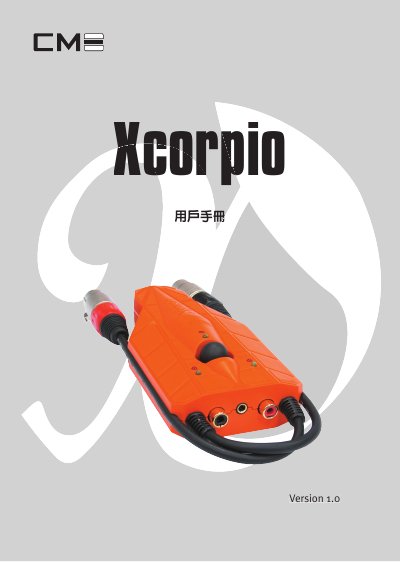
CME Xcorpio USB Audio Interface User Manual


CME Xcorpio USB Audio Interface User Manual - cover page
Brand
CME
Category
Other Electronics
Document type
User Manual
Language
Chinese
Pages
20
File format
PDF
Updated
29 September, 2023
MD5 checksum
631CE7CCC525DC43462A9829E12B15E5

About this manual

This document is the user manual for the CME Xcorpio USB audio interface. It covers the installation of the driver software, including license agreement terms and uninstalling previous drivers. The guide also details how to connect the device to a computer via USB and to audio equipment using various input and output ports. This manual is written in Chinese.

What's inside

  • Xcorpio Features
  • Xcorpio Specifications
  • Xcorpio Connection
  • Xcorpio Driver Installation
  • Xcorpio Driver Uninstallation
  • Xcorpio Audio Outputs

Specifications

Bit Depth24-bit
Frequency Response20Hz-20kHz

Frequently asked questions

How do I install the driver for the Xcorpio?

Plug the USB audio device to the computer and install the driver software provided.

What is the maximum sample rate supported by the Xcorpio?

The device supports a maximum sample rate of 96KHz.

What is the maximum bit depth for audio processing?

The interface processes audio at a maximum bit depth of 24-bit.

What is the frequency response range of the Xcorpio?

The frequency response ranges from 20Hz to 20kHz.

Download PDF

More CME Manuals


View all CME manuals →