
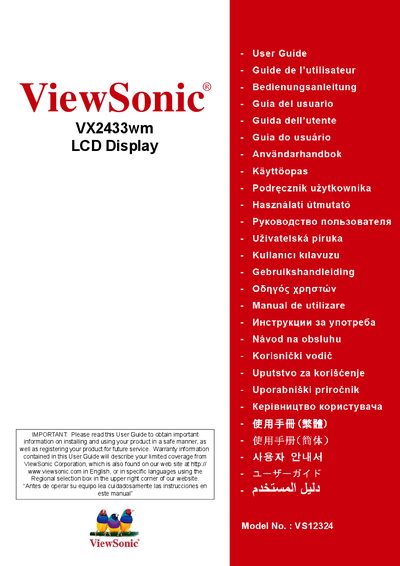
This user guide covers important safety instructions, compliance information, and step‑by‑step setup for the ViewSonic VX2433wm 23.6‑inch LCD display. It explains how to unpack, connect power and video cables, install optional wall‑mounts, and configure timing modes and on‑screen settings.
Additional sections describe cleaning, warranty details, and how to obtain technical support or register the product online. The guide also includes a specifications summary and contact information for service centers in Mexico and the United States.
| Display size | 23.6 inches |
|---|---|
| Model number | VS12324 |
Connect the power cord (and AC/DC adapter if required), then connect the video cable, turn on the display before the computer, and follow the on‑screen prompts.
No, the guide warns not to use the equipment near water to avoid fire or electric shock.
Register online at ViewSonic’s website using the provided registration page.