
control-flap feature is used to reduce the impact of interface state changes on network stability
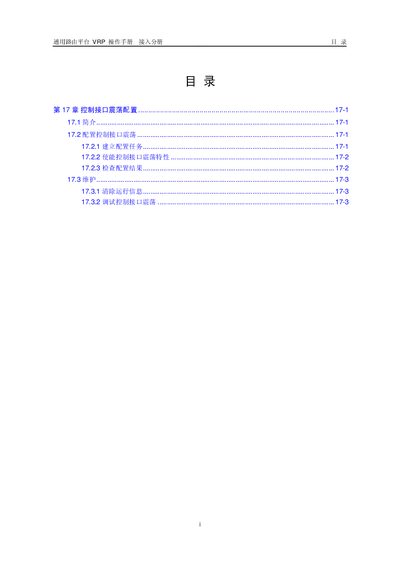
Chapter 17 of the VRP operation manual describes the control‑flap feature, which limits the frequency of interface up/down events to improve network stability. It provides an overview of the feature, its purpose, and the situations where it should be used.
The chapter details the configuration steps, including prerequisite tasks, data preparation, enabling the feature, verifying the configuration, and maintenance procedures such as clearing running information and debugging the control‑flap function. This manual is written in Chinese.
Enter system view, then the interface view, and run the command `control-flap [suppress reuse penalty decay-ok]`.
In user view, execute the reset command `reset control-flap { penalty | counter }` for the specific interface.
Use the command `display control-flap [interface-type interface-number]` to view the feature configuration and status.
Dialer.BRI, PRI.VT.Logic-channel, Null interface, and Loopback interface do not support control‑flap.