
Key facts
- Manuals
- 5
- Languages
- ZH
- Last added
- 2011-12-30
Featured 通用路由平台 manuals
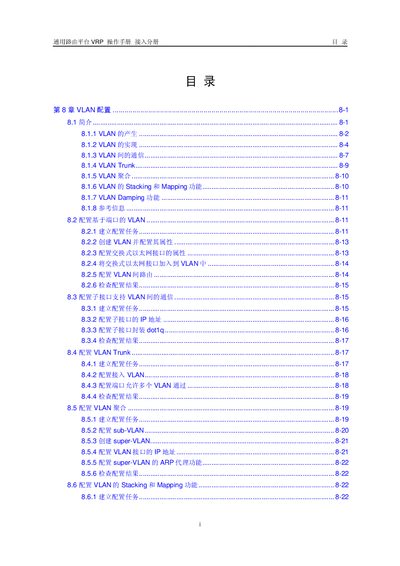
VRP VLAN Configuration User Manual
This manual provides detailed instructions for configuring VLANs on the VRP (Versatile Routing Platform). It covers basic concepts, VLAN creation, port‑based and sub‑interface VLAN setups, trunking, aggregation, stacking, mapping, and damping functions.
The document also includes maintenance procedures, example configurations, and a fault‑handling section that describes common errors such as failures when converting a VLAN to a Super‑VLAN or removing VLANs from trunk ports. This manual is written in Chinese.
Covers: VLAN Basics · Port‑Based VLAN Configuration · Sub‑Interface VLAN Configuration · VLAN Trunk and Aggregation · VLAN Stacking and Mapping · VLAN Damping
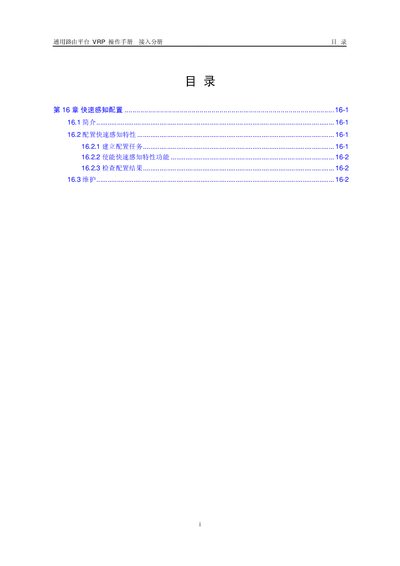
VRP Routing Platform Operation Manual – Fast Sensing Configuration
The document provides an overview of the Fast Sensing feature, which quickly notifies applications of physical device faults to meet real‑time requirements. It describes the concept, benefits, and the need for rapid fault detection compared with traditional polling methods.
Step‑by‑step instructions cover creating a configuration task, enabling the feature on specific interfaces, checking the configuration result, and using debugging commands to troubleshoot any issues. The manual also notes performance impacts when the debugging switch is enabled and references related system maintenance sections. This manual is written in Chinese.
Covers: Fast Sensing Feature Overview · Configuration Task Creation · Enable Fast Sensing · Check Configuration Result · Maintenance and Debugging · Supported Interfaces
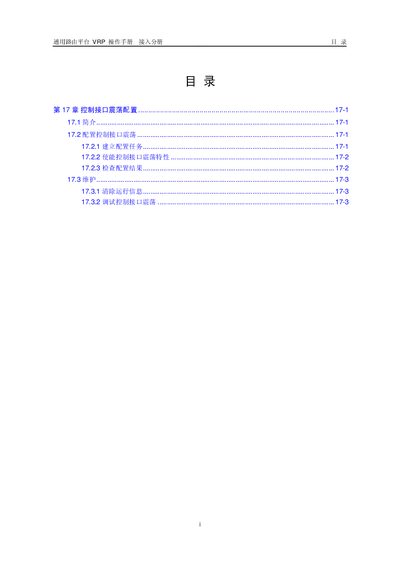
General Routing Platform VRP User Manual
Chapter 17 of the VRP operation manual describes the control‑flap feature, which limits the frequency of interface up/down events to improve network stability. It provides an overview of the feature, its purpose, and the situations where it should be used.
The chapter details the configuration steps, including prerequisite tasks, data preparation, enabling the feature, verifying the configuration, and maintenance procedures such as clearing running information and debugging the control‑flap function. This manual is written in Chinese.
Covers: Control Interface Flap Overview · Prerequisite Tasks · Data Preparation · Enable Control‑Flap Feature · Check Configuration Result · Clear Running Information
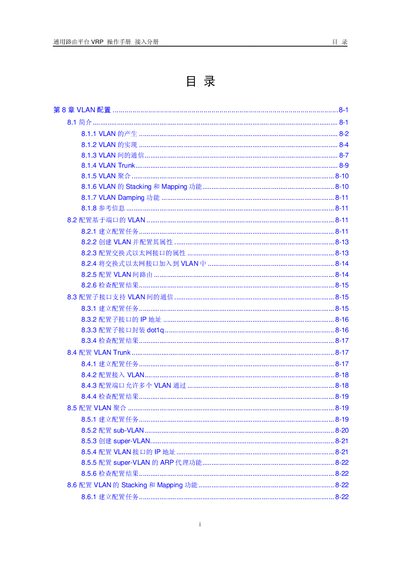
VRP VLAN Configuration User Manual
The VRP VLAN Configuration User Manual provides step‑by‑step instructions for setting up VLANs, configuring port‑based and sub‑interface VLANs, and enabling VLAN routing. It covers basic concepts, VLAN creation, trunk configuration, aggregation, stacking, mapping, and damping functions.
The guide also includes maintenance tasks, example configurations, and detailed fault‑handling procedures for common issues such as Super‑VLAN creation failures and VLAN removal from trunk ports. This manual is written in Chinese.
Covers: VLAN 的产生 · VLAN 的实现 · VLAN 间的通信 · VLAN Trunk · VLAN 聚合 · VLAN Stacking 和 Mapping 功能
Latest 通用路由平台 manuals
VRP VLAN Configuration User Manual
User Manual 48 pages · 251 KB · ZHChinese VRP operation manual that explains VLAN concepts, configuration steps, and troubleshooting for the General Routing Platform.
VRP Routing Platform Operation Manual – Fast Sensing Configuration
User Manual 4 pages · 104 KB · ZHThis manual explains how to configure, enable, verify, and debug the Fast Sensing feature on the VRP routing platform.
General Routing Platform VRP User Manual
User Manual 4 pages · 119 KB · ZHThis manual explains how to configure, enable, check and maintain the control‑flap feature on the General Routing Platform VRP.
VRP VLAN Configuration User Manual
User Manual 48 pages · 251 KB · ZHThis manual explains how to configure VLANs on the VRP routing platform, including creation, trunking, stacking, and troubleshooting.
VRP Operation Manual
User Manual 37 pages · 347 KB · ZHChinese operation guide for the VRP routing platform covering E‑carrier and T‑carrier interface configuration.
Which document do I need?
User Manual
Day-to-day operation, settings and troubleshooting. Start here if the product is already set up.
Questions answered in 通用路由平台 manuals
How does VRP identify VLAN frames on a port?
Ports are classified as Access, Trunk, Hybrid, or Q‑in‑Q based on whether they recognize 802.1Q tagged frames.
How do I enable the Fast Sensing feature on an interface?
Enter system view, go to the interface view, and run the command `fastfeeling` to enable the feature.
From: VRP Routing Platform Operation Manual – Fast Sensing Configuration
How can I verify the Fast Sensing configuration on an interface?
Use the command `display fastfeeling [interface‑type interface‑number]` to view the current Fast Sensing settings.
From: VRP Routing Platform Operation Manual – Fast Sensing Configuration
How do you enable the control‑flap feature on an interface?
Enter system view, then the interface view, and run the command `control-flap [suppress reuse penalty decay-ok]`.
How can you clear the control‑flap running information?
In user view, execute the reset command `reset control-flap { penalty | counter }` for the specific interface.