
This manual describes how to install optional devices in the IBM System x3105 4347 server.
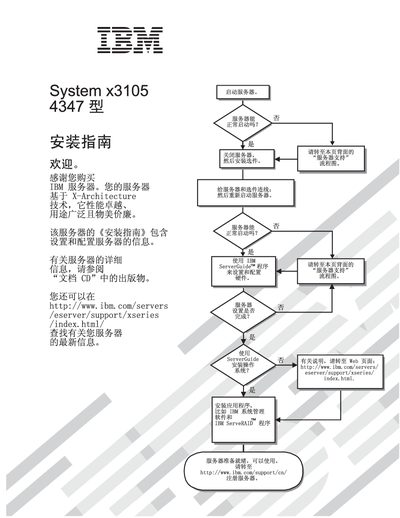
This guide walks users through the complete installation process for the IBM System x3105 4347 server, covering safety information, hardware preparation, component installation, and initial configuration. It includes detailed procedures for installing memory modules, CPUs, storage devices, and networking adapters, as well as instructions for using ServerGuide, ConfigUtility, and the boot menu.
Additional sections address firmware updates, troubleshooting common issues, and regulatory compliance statements. The document also lists part numbers and references IBM support web pages for the latest firmware and compatibility information. This manual is written in Chinese.
| Network controller | Broadcom NetXtreme Gigabit Ethernet |
|---|---|
| Part number | 42D3297 |
The latest firmware can be downloaded from IBM’s support site at http://www.ibm.com/servers/eserver/support/xseries/index.htm.
The ConfigurationSetup Utility and ServerGuide are used for post‑installation configuration.