
This document is the operating guide for Sony DCR-DVD505E/DVD905E DVD Handycam, which introduces functions such as recording, playback, editing, copying, printing, using with a computer, and troubleshooting.
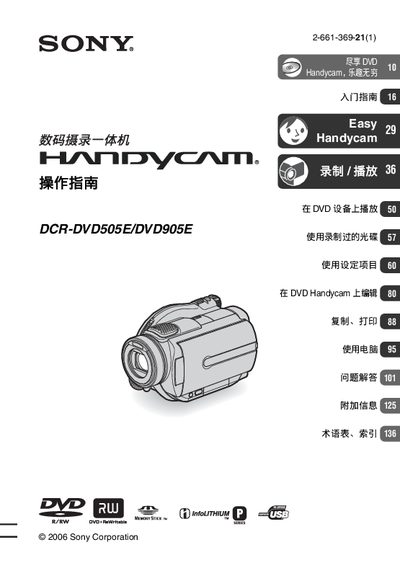
This operation guide explains how to use the Sony DCR‑DVD505E/DVD905E Handycam, a compact camcorder that records video to 8 cm DVD discs and Memory Stick Duo cards. It covers safety precautions, battery handling, and basic handling of the device.
The manual is organized into sections on getting started, recording and playback, disc and memory card settings, editing, copying and printing, computer connection, troubleshooting, and additional reference information. Each section includes step‑by‑step instructions and illustrated diagrams to help users capture and manage their video content.
| Supported DVD disc formats | 8 cm DVD‑R, DVD‑RW, DVD+RW |
|---|---|
| Laser safety class | Class 1 |
The camcorder works with 8 cm DVD‑R, DVD‑RW, and DVD+RW discs.
No, the device does not have dust‑proof, drip‑proof, or waterproof features.
It is classified as a Class 1 laser product.