
LaCinema Black RECORD is a multimedia player that supports various formats, including movies, photos, and music. It is easy to install and use, with operation performed through a remote control. Users can connect external sources via USB or through the network to play and copy files.
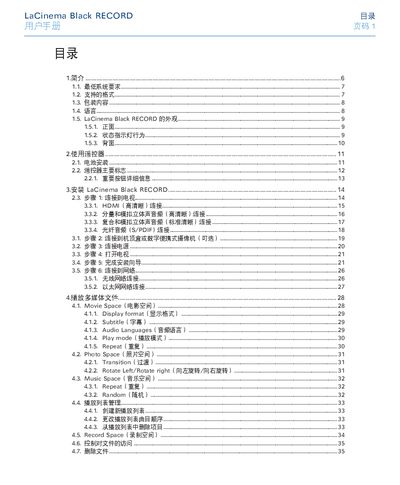
This manual provides step‑by‑step instructions for installing the LaCie Black RECORD media player, using the remote control, connecting video and audio cables, and configuring network settings. It also covers supported media formats, recording functions, and firmware updates.
Safety warnings, warranty information, and contact details for LaCie technical support are included, along with a troubleshooting guide for common audio, video and file‑compatibility issues. This manual is written in Chinese.
| Supported video codecs | MPEG‑1, MPEG‑2/HD, MPEG‑4, DIVX, XVID, H.264 HD, WMV9 HD |
|---|---|
| Maximum decoding resolution | 1920 × 1080p |
| Supported audio codecs | MP3, WMA, AAC, OGG, AC3, MP4, WAV/LPCM |
| Power input | 100‑240 V ~, 4 A, 60‑50 Hz |
| Network interfaces | Ethernet 10/100 Mbps, WiFi (802.11n) |
| Video output options | HDMI, Component (YUV), Composite (CVBS) |
Use the HDMI cable that comes with the device for the highest video quality.
Make sure the audio cables are correctly connected and the file uses a supported audio codec.