
This document is the AT command manual for ZTE MZ28 modular engine. It introduces the usage of AT commands of the module, including general commands, ME control and status commands, call control commands, network service related commands, security commands, phone book commands and short message commands.
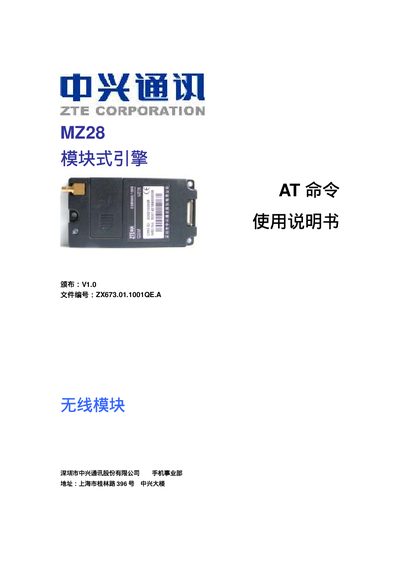
This document provides detailed instructions for using AT commands with the ZTE MZ28 wireless module. It covers general commands, ME control, call control, network services, security, phonebook, SMS, supplementary services, data services, and extended commands. The manual includes command syntax, parameters, return values, and usage examples for configuring and operating the module.
The module supports standard AT command interface with four command formats: no-parameter, query, help, and parameterized commands. It includes commands for setting time, reading IMEI/IMSI, managing call states, configuring network operators, handling SMS, and managing call waiting and forwarding. The manual also includes practical examples for basic calls, SMS, voice mail, phonebook, call logs, and settings configuration. This manual is written in Chinese.
| Model | MZ28 |
|---|---|
| Manufacturer | ZTE |
| Supported Feature | +CGSM |
The model is MZ28, as returned by the AT+CGMM command.
The manufacturer is ZTE, as returned by the AT+CGMI command.
Use the AT+CCLK command with format yy/mm/dd,hh/mm/ss to set the date and time.