
This document introduces the Route Insight product from Juniper Networks. This product provides real-time visibility into dynamic routing operations, helping network engineers and operators manage complex enterprise and telecom networks. The product features real-time monitoring and alerts, complete event history recording and analysis, as well as accurate modeling and simulation of network changes.
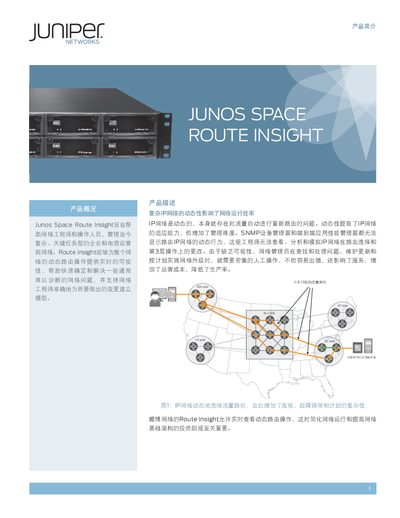
Juniper Route Insight 5001 is a hardware appliance that gives network engineers real‑time visibility of dynamic routing across the IP layer. It passively peers with major routing protocols, records all routing changes, and builds a live 3‑layer topology map to help diagnose and model network issues quickly.
The device is a 2U rack‑mount unit with 700 W AC power, redundant fans, and supports OSPF, IS‑IS, EIGRP, BGP and MPLS‑VPN. It ships with 12 GB RAM, 6 × 500 GB drives in RAID‑10, and includes a one‑year hardware and 90‑day software warranty. Ordering options cover basic, unlimited‑router, and VPN‑focused configurations. This manual is written in Chinese.
| Dimensions (W × H × D) | 17.2 × 3.47 × 23.5 in (43.8 × 88 × 59.8 cm) |
|---|---|
| Weight | 45 lb 5 oz |
| Power supply | 700 W AC, 90‑264 V |
| Fans | 3 × 80 mm redundant fans |
| Memory | 12 GB RAM |
| Storage | 6 × 500 GB drives in RAID‑10 |
| Warranty | Hardware 1 year, Software 90 days |
It supports OSPF, IS‑IS, EIGRP, BGP and MPLS‑VPN (MP‑BGP).
It records all routing changes, allows playback of network states, and lets engineers trace problem traffic to its source.
Installation can be completed in a few hours and the network status can be viewed within minutes.